
Name-Based Case Searches
Start a Red River Parish district-court name search at Red River ClerkNet. The public side of that site is a sign-in screen. You get Email and Password boxes. There is also a link to create an account, plus a menu of services covering civil records, cases, dockets, and minutes. Nobody searches by name without logging in first. Once you have lawful access, work with whatever search controls the portal currently shows. Then narrow your name search far enough to separate lookalike names by parish, court, case type, and filing date.
Here is the honest limit. The public screen reveals nothing about the post-login fields. So do not assume a date-range box or wildcard support exists until you see it in your account. Treat any close match as a lead only. Before you call a result the right Red River Parish case, confirm the case number. Check the caption, the court, the filing date, and its status too.
- Open ClerkNet and create or use an account through the public entry screen.
- Select the civil-record or cases, dockets, and minutes service that matches the matter.
- Use the name-search controls that appear after access, then compare each match with the court and case details.
- Open the docket or minute sequence and record its date, entry label, and any document-access notice.
| Public ClerkNet Control | Type | Required | What the public screen shows |
|---|---|---|---|
| Text | Required to log in | The public entry screen does not state a search function for it. | |
| Password | Password | Required to log in | Account access is needed before the query fields can be inspected. |
| Set Up New Account | Account action | As needed | Starts the account-creation path. |
| Cases, Dockets, Minutes | Service selection | Not stated | Advertised record-service category, not an exposed search field. |
Red River Parish Docket Search at ClerkNet
ClerkNet is the parish-level hub for more than a quick lookup. It handles civil and criminal record access, document purchasing, print or PDF downloads, and e-filing. The public screen says its criminal and civil indexes reach back to January 1, 2015. They run to current. Two housekeeping notes come with it. Chrome is the preferred browser, and pop-up blockers should be turned off, since a blocked window can interrupt a document view or a print action.
Know what you are buying. A docket is the running chronology of filings, settings, and outcomes. A minute entry records what happened in court or what the judge ordered. Neither is the same as a document image. ClerkNet sells documents. But the public screen lists no per-image price, and it does not promise an image behind every entry. So a missing PDF does not mean a missing Red River Parish case. The docket itself still tells you the case exists and where it stands.
Case Number Searches
For a Red River Parish docket search, the case number is your strongest key. Pull it straight off the summons, petition, notice, order, citation, or a prior Clerk minute entry. Then type it exactly as printed. The public ClerkNet screen publishes no numbering mask, prefix scheme, or annual sequence for the parish. So a guessed pattern built from a year and a case-type code will lead you wrong.
Leave the number untouched, punctuation and leading digits included. If the portal rejects it, call the Red River Parish Clerk of Court and ask two things. First, whether ClerkNet expects a different entry format. Second, whether the matter predates the online index. A genuine case number also settles venue questions when two matters share a party name. Trust the case number exactly as printed on the court document. Trust it over any local format you think you know.
Red River Parish Case Search Coverage
January 1, 2015 is where ClerkNet's online civil and criminal indexes begin. That date marks the edge of the online docket search. It is not the edge of the Clerk's files. The Red River Parish Clerk of Court keeps the Docket and Minute Book. It also keeps pleadings, documents, exhibits, and cost records. Older matters may sit in paper files, bound books, microfilm, or a legacy system. The official sources publish no retention schedule and no same-day retrieval promise.
Chasing a pre-2015 case? Give the Clerk the case number if you have it. Add the party or caption, the court, a document type, and a filing or hearing date. You can call (318) 932-6741 or come to the counter at 615 East Carroll Street. Confirm payment and delivery instructions before sending any written request. An archive search, not another online query, is often what an older court record takes.
Case Search Results Explained
A good Red River Parish docket result tells you which case you have. You know this before you read a single entry. The clerk's civil side keeps indexed suits plus the Docket and Minute Book. The criminal department holds the formal charges and the pleadings tied to them. Some detail views give you a running register of entries, not the whole court file. So start with the opening entry, then check the newest ones too. A later minute or order can reset a hearing date. It can also change how a case stands.
Seeing a case is not the same as seeing its papers. One result may name the case but show no document at all. Another sells the image separately or locks the download behind an account. The criminal minute-entry program does not put every underlying document online either. When you need a filed pleading, a judgment, or a certified copy, go through the clerk's records channel. Do not just trust what a screen shows.
| Case number | The court-assigned identifier; exact Red River Parish format is not published on the anonymous ClerkNet screen. |
|---|---|
| Case style or parties | The caption identifies the parties or prosecuting authority and helps separate same-name results. |
| Court and case type | Confirms whether the result is a 39th Judicial District matter and whether it is civil, criminal, probate, family, or another category. |
| Docket or minute entries | Chronological filings, proceedings, orders, settings, and later changes where the view exposes them. |
| Disposition or judgment | A recorded outcome, dismissal, judgment, or other closing event, which should be read with the actual order when available. |
Red River Parish eClerks Docket Searches
LCRAA is the statewide remote-access system built by Louisiana's parish clerks. Its eClerks LA tools give Red River Parish docket searches a second door. The home screen offers a Parish Search selector. There is a Statewide Portal tile and a Criminal Search tile too. Reaching the live entry screen takes an account. The statewide search itself, though, is described as free. Whether you can pull a document still depends on the participating parish. It also depends on the service it allows.
Think of eClerks LA as a layer on top of local tools. It is not a mirror of ClerkNet's parish case detail. It earns its keep when you need a statewide route or a participating-parish category. There is also a statutory hook. For Red River Parish criminal cases filed on or after January 1, 2020, Louisiana R.S. 13:5992 tells district clerks to publish public minute entries or summaries through the LCRAA portal. Traffic violations are excluded. The statute does not require every image.
LCRAA's official overview lays out the statewide remote-access layer. Red River Parish docket searches run through that layer.
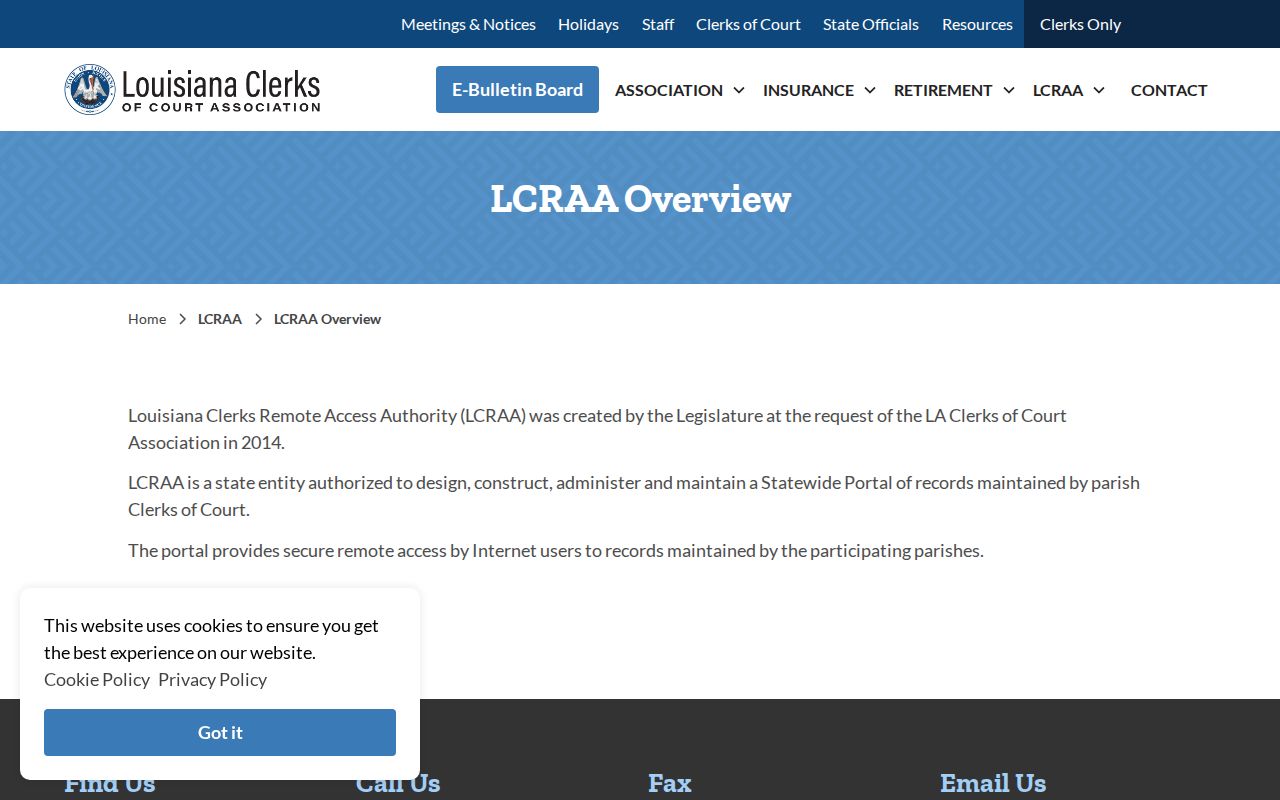
The statewide overview helps distinguish a parish clerk record from a broader access service.
Two Ways to Search: County and State
Match the search layer to the question you are asking. ClerkNet is the local route into Red River Parish civil and criminal records, dockets, minutes, e-filing, and the advertised document services. eClerks LA is the statewide route. It covers participating parish material through its own search categories. Both show account limits on their public screens. A failed anonymous search never proves a case does not exist.
Go local when the court is the Thirty-Ninth Judicial District Court of Louisiana. Go statewide when you need participating-parish scope or the criminal-minute route. Neither one reaches a lower court or traffic venue. The real question underneath county-versus-state is which office holds the record, what the portal covers, and what type of case you have.
| eClerks LA | Red River ClerkNet |
|---|---|
| Statewide infrastructure for participating parish records and search services. | Red River Parish clerk entry for civil and criminal cases, dockets, and minutes. |
| Account entry and service tiles are public; full search results require access. | Public landing screen is an account login; post-login fields are not publicly exposed. |
| Useful as a statewide or participating-parish layer. | Useful for a known Red River Parish district-court matter. |
The eClerks LA statewide portal description shows its search and parish-service categories.
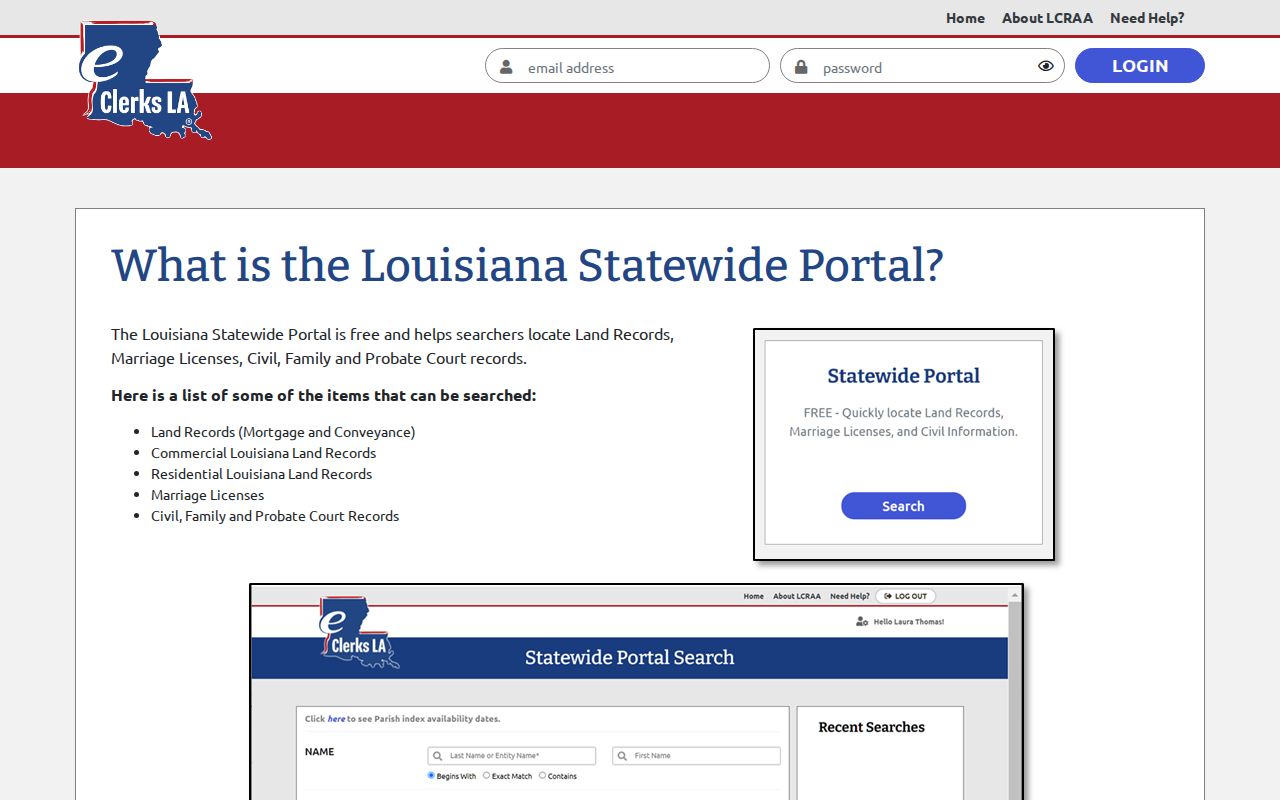
The portal's own categories treat statewide access and parish case detail as two different tools, and that split is worth remembering.
Red River Parish Lower-Court Case Routes
Not every Red River Parish record starts in the 39th Judicial District. Coushatta Mayor's Court runs its own ticket channel. The Red River Sheriff uses the Tyler citation portal for many Parish Sheriff and State Police traffic matters. Justice of the Peace Districts A, B, and C keep separate limited-jurisdiction records. The justices post no parishwide public JP docket. A small civil or eviction matter belongs with the relevant justice court, not ClerkNet.
For a Town of Coushatta ticket, Quick-Court offers lookup by ticket number or driver license. For a Sheriff or State Police citation, use the Sheriff portal. Bring the issuing agency details printed on the ticket. None of these replaces a general district-court case search. Venue, not the town or parish name, tells you where to look first.
Red River Parish Missing Case Results
A missing online match usually has an ordinary explanation. The case may predate the displayed 2015-current civil or criminal index. It may not be indexed yet. It may sit in a Justice of the Peace or Mayor's Court, or in a traffic system outside the criminal-minute statute. Restricted cases stay hidden too. Before deciding a Red River Parish case has vanished, confirm the court, the case number, the name spelling, and the date.
Work the fallback chain in order. Start with ClerkNet or eClerks LA, then the Red River Parish Clerk by phone or email, then the courthouse counter, a narrowly described written request. Finally try the court or issuing office that owns the lower-court or traffic matter. Court-date questions have a separate channel through Court Administrator Peggy McCoy at (318) 932-6206. That call is worth making when a minute entry leaves the current setting unclear.
The eClerks LA account entry is the gateway. You must pass through it before the live statewide search opens.
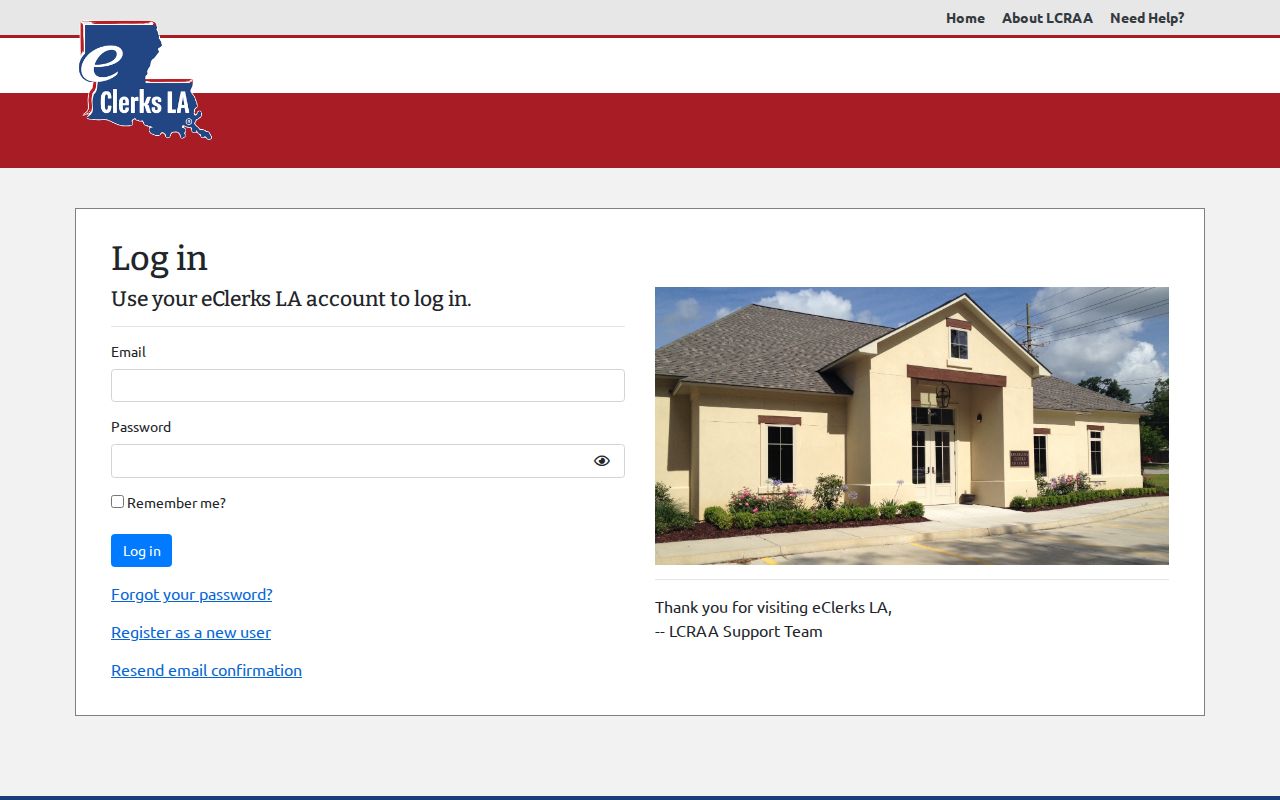
The login view makes the account gate visible before a statewide search is attempted.
Red River Parish Docket Images and Minutes
ClerkNet's public labels cover cases, dockets, minutes, document purchases, and print or PDF downloads. Each label is a different product. The docket and minute sequence is an index of events. A filed document is the pleading, order, judgment, exhibit, or other item behind an entry. A certified copy comes from the Clerk under seal. That is not the same as a screen you print yourself.
Louisiana's criminal-transparency provision requires minute entries or summaries for covered criminal cases, but not all underlying images. When you need the actual document, note the entry date and document description. Then ask the Clerk whether an image exists, whether it sits behind a purchase, and what form of copy can be issued. For the full file, see the parish court case records information.
Red River Parish Case Search Date Checks
A docket search can show a setting that is history by the time you read it. Never treat it as a substitute for a current order or direct confirmation. The 39th JDC local rules set regular rule and motion hour every Monday and Thursday at 9:00 a.m. when court is not in session. Criminal pre-trials run quarterly, with the felony jury schedule posted in the Clerk's office. Those are court practices, not promises about your case.
For anything continued, reset, passed, or rescheduled, read the latest dated minute or signed order. If the record stays unclear, call the Court Administrator or the Clerk. Do that before leaning on an older entry. The notice or order in the specific case controls the current court date. The local schedule explains a docket line; it does not replace it.
Red River Parish Federal Case Searches
Federal cases never sit with the Red River Parish Clerk. Red River Parish belongs to the Western District of Louisiana. Federal matters live in CM/ECF docket systems reached through PACER. That docket runs on its own numbering, its own entry sequence, its own filings, orders, and judgments. So a ClerkNet result tells you nothing about a federal case. Nothing at all.
You need a separate PACER account, and PACER sets its own search and document-fee rules. Only take the federal route when the case is truly federal, not just because a parish query came up empty. State civil, criminal, probate, and family cases all point back to the parish clerk. The eClerks LA channel holds the state record there. PACER's official search information lays out the federal case-access system. That system is fully separate from Red River Parish records.
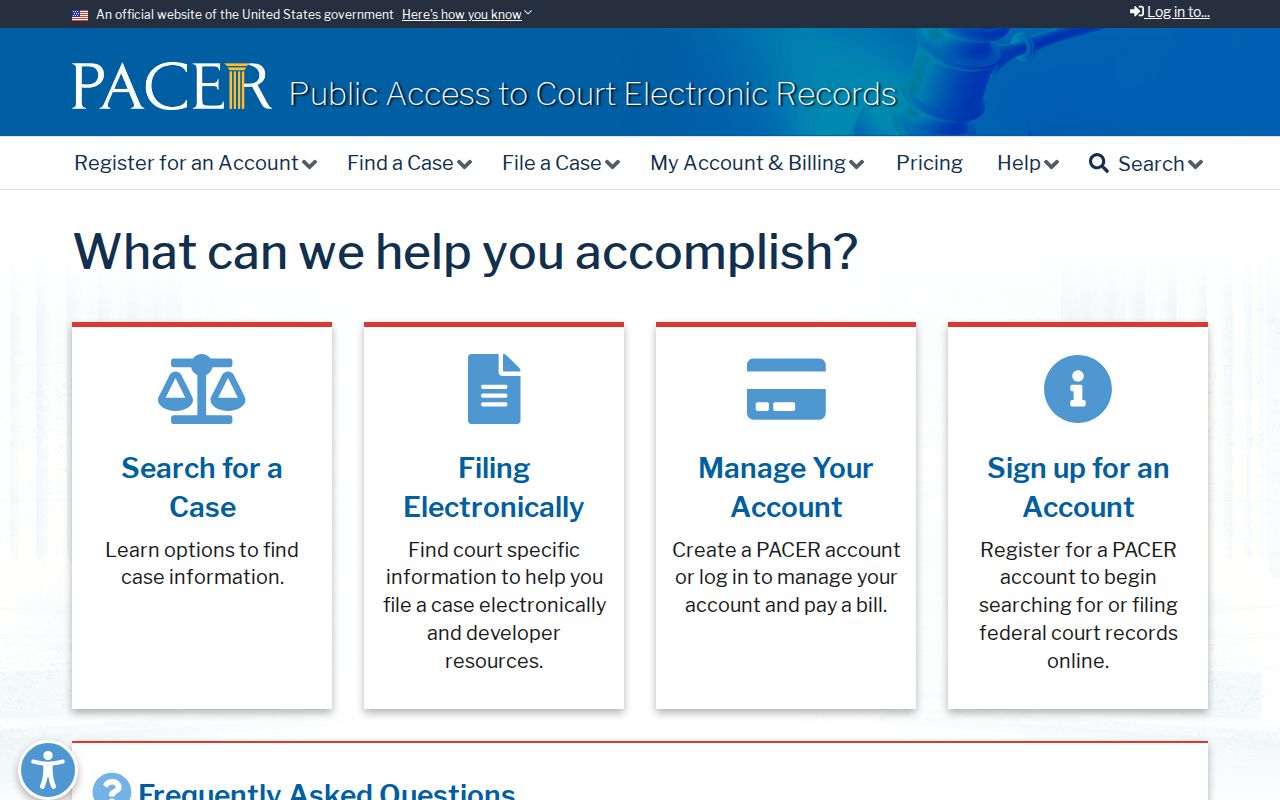
The PACER entry point shows why a federal docket demands its own account and its own court system.
Which Cases Stay Restricted
Public access has real limits. Juvenile records stay confidential under Louisiana Children's Code article 412. Access is limited to listed legal or court-authorized uses. Sealed material may return no result. It may also show a limited placeholder or a restricted entry, depending on the portal. An expunged record is confidential and no longer public. Louisiana Code of Civil Procedure article 973 controls this, with specified exceptions. Protected identifiers can be redacted from filings that are otherwise public.
A case may be absent or restricted. Ask the Red River Parish Clerk what authorization is required. Frame any request narrowly, naming the case and the specific record you need. An empty ClerkNet search is never proof. A juvenile, sealed, expunged, older, or lower-court case may still exist. Louisiana R.S. 44:31 backs access to public records, subject to the court-record exceptions that apply.
Access limit: Louisiana R.S. 13:5992 requires public criminal minute entries or summaries for covered cases, but it excludes traffic violations and does not require all document images.